

A restart clears most problems: a server that feels slow, a platform that froze, or a Remote Desktop session that will not reconnect. You can do it yourself in under a minute, at any time, without contacting us.
Key Takeaways
- Restart Server is on your server’s page in the client area. It works even when you cannot connect.
- A restart takes a few minutes. Connect again with Remote Desktop afterwards.
- Close trades or check your EAs first if anything is in the middle of running.
- Set your platforms to start automatically so MetaTrader reopens after every restart.
1. Restart from the Client Area
This is the best option when the server is stuck or you cannot connect.
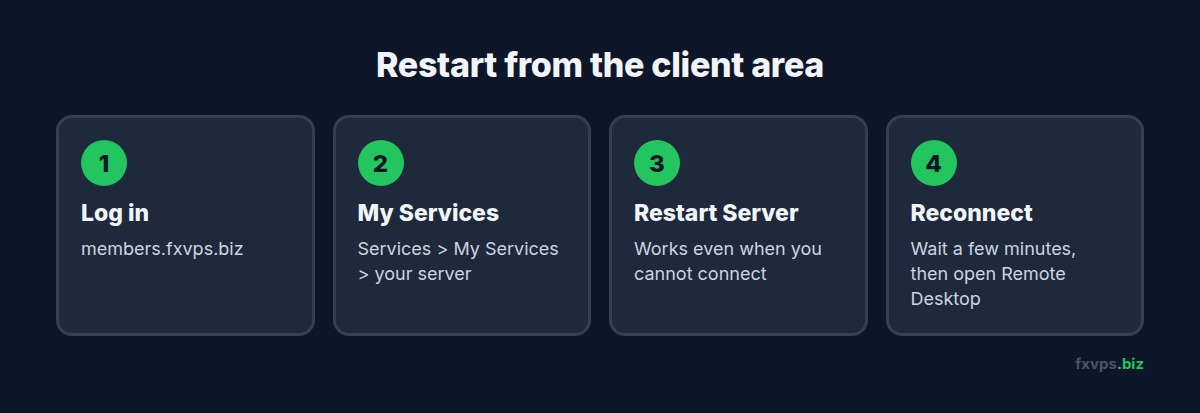
- Log in to the client area.
- Open Services, then My Services, and click your server.
- Click Restart Server.
- Wait a few minutes, then connect again with Remote Desktop.
2. Restart from Inside Windows
If you are already connected and the server is responding, you can restart from Windows itself: open Start, click the Power icon, then Restart. Your Remote Desktop window will close. Wait a few minutes and connect again.
⚠️ Note: Choose Restart, not Shut down. A shut down server stays off until it is started again, which you or we have to do from outside.
3. Before You Restart
A restart closes every program on the server, so take a moment first:
- Check open trades. Your trades stay with your broker, but an EA cannot manage them while the server is restarting.
- Save anything you are working on, such as settings you have just changed.
- Make sure your platforms start on their own (next section), or plan to reopen them yourself.
4. Make MetaTrader Start Automatically
Set this up once and your terminals reopen after every restart, including ones we do for maintenance.
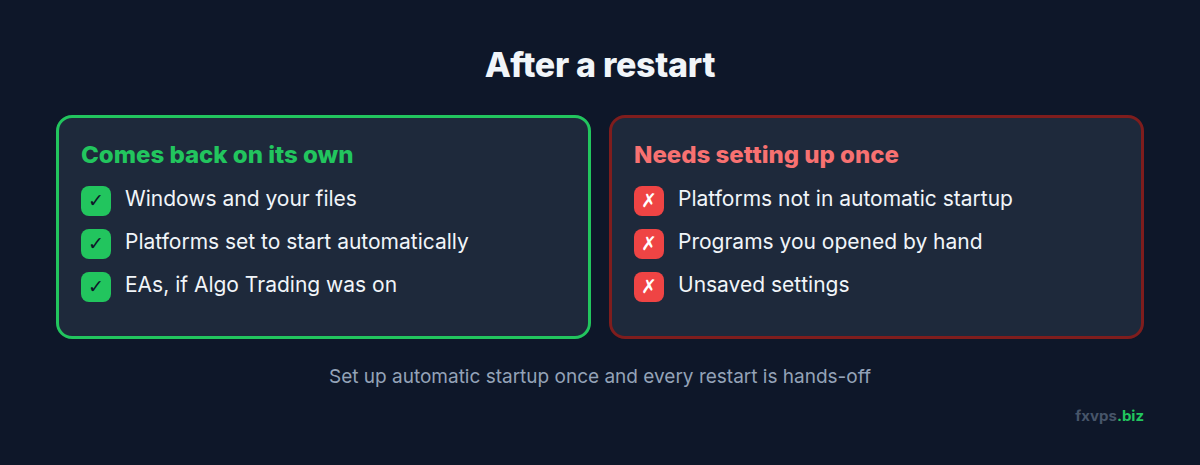
Our guide to starting MetaTrader automatically shows how. Once a terminal reopens, the EAs attached to its charts start again as long as Algo Trading (MT5) or AutoTrading (MT4) was switched on when it closed.
5. When a Restart Does Not Help
If the server is still slow, still will not connect, or keeps restarting by itself, tell us. Message us in chat or open a ticket from your client area with your server address and what you see. Our guides to a slow VPS and Remote Desktop errors cover the most common causes.